


How can supplier negotiations be managed on Tradogram?
Supplier negotiations are centralized within the Request module, Tradogram's dedicated tool for competitive bidding and RFQs. This feature allows for a transparent, electronic "back-and-forth" process until a final agreement is reached.
The Negotiation Workflow
1. Issuing the Initial Request
When you submit a request, your invited suppliers receive a secure email link to a private page where they can view and respond to the request without needing a Tradogram account.
- Manual Entry: If a supplier provides their bid outside the platform (e.g., via phone or a separate PDF), you can enter the offer on their behalf. The supplier will receive a notification and can review the details you entered.
2. Making Counter-Offers
Once an initial bid is received, you can negotiate by following these steps:
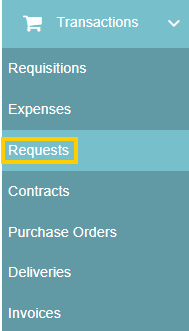
- Go to Requests and click on the specific request event.
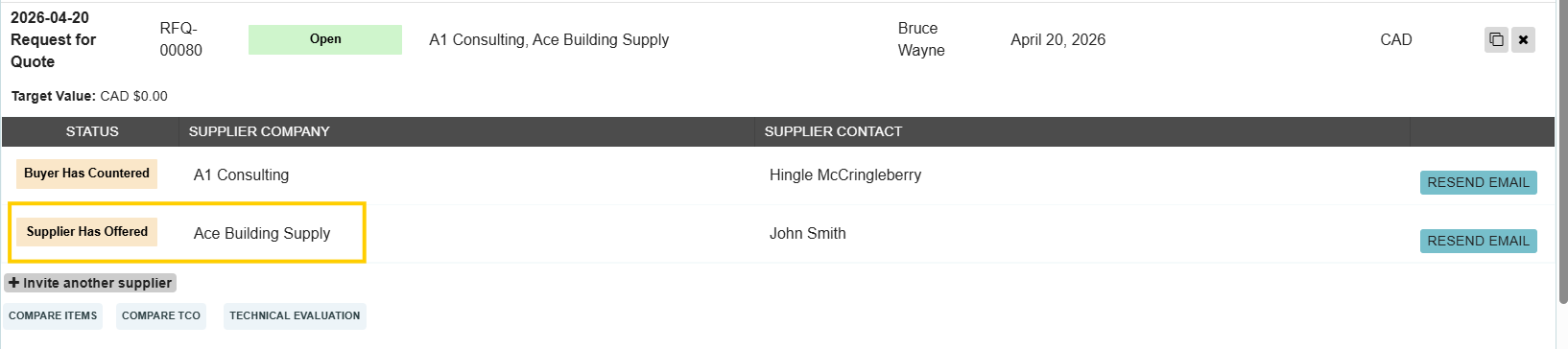
- Click on the supplier’s name to open their specific offer.
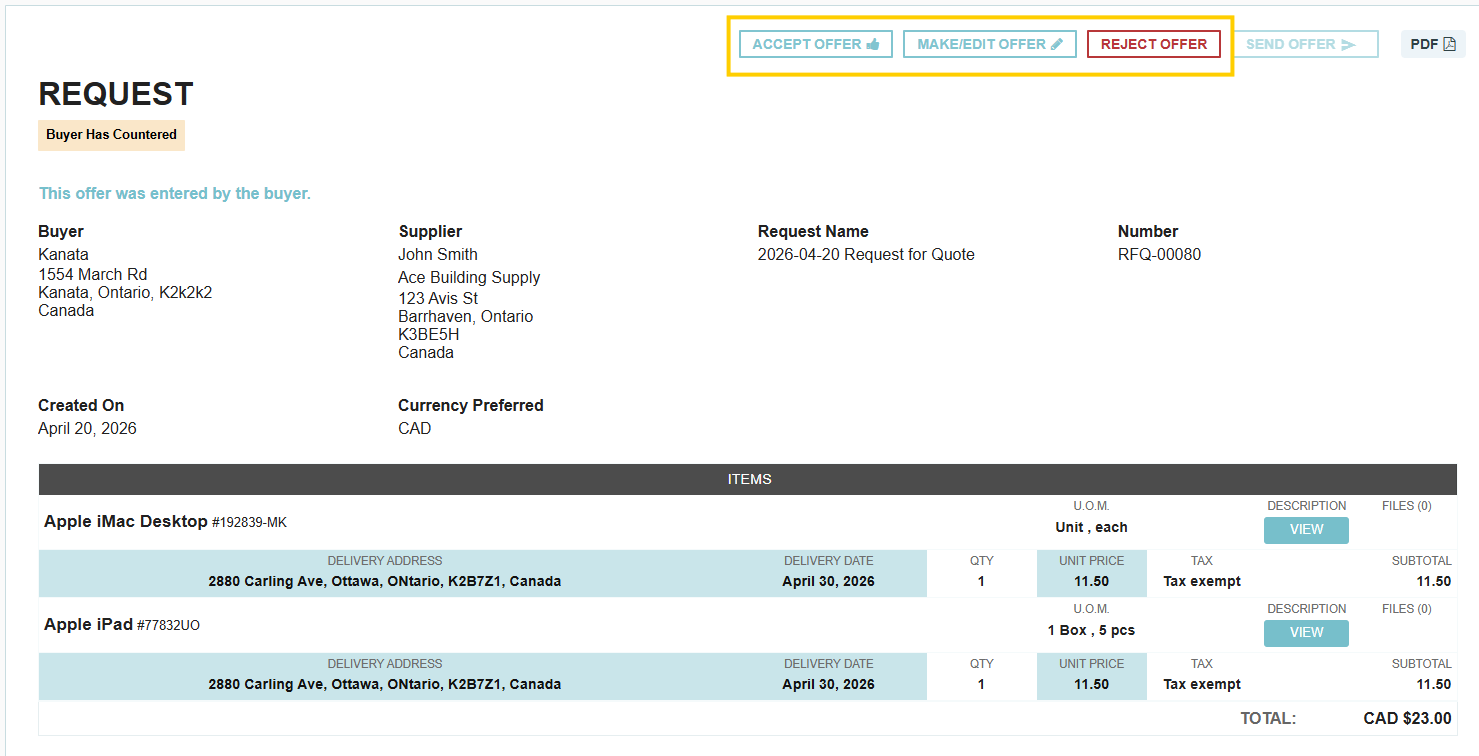
- Select "Make/Edit Offer" to adjust prices, quantities, or terms.

- Click "Send Offer" to submit your proposal back to the vendor.

- Status Tracking: The offer status will update to "Buyer has countered." The supplier must then review, and either confirm, reject, or edit the offer to send it back to you.
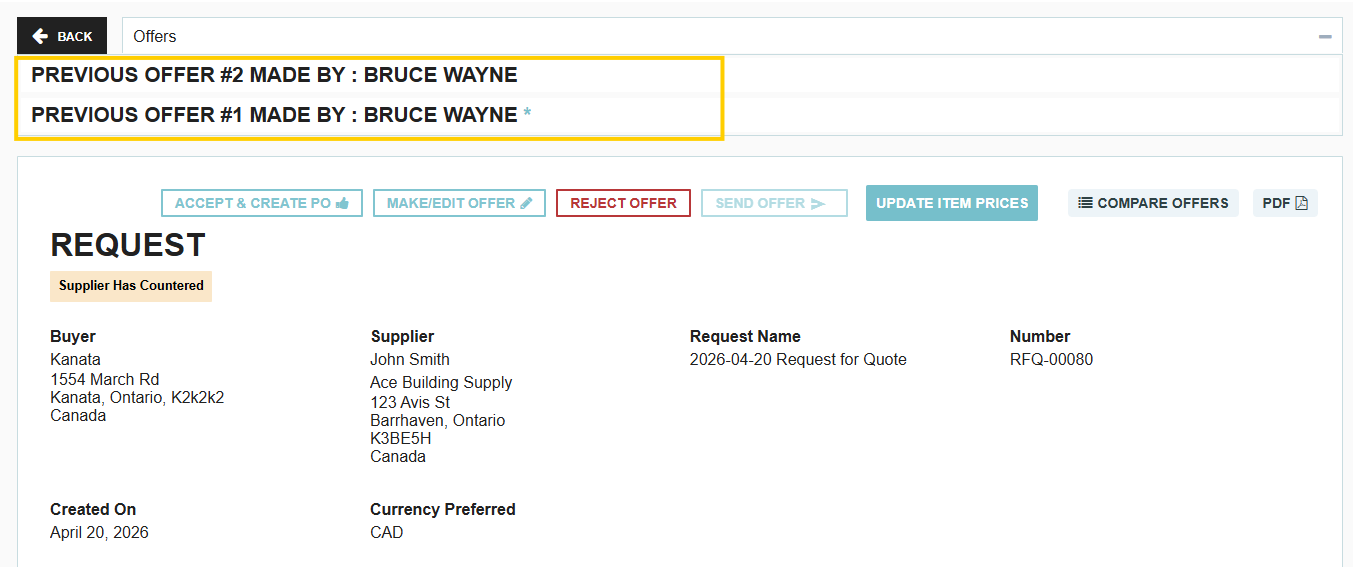
- Version History: This cycle can continue as needed, and the system maintains a full history of all previous offers for the request.
3. Finalizing the Agreement
Once both parties are aligned, you can accept the final changes. At this point, the system allows you to convert the negotiated terms directly into a Purchase Order or Contract.
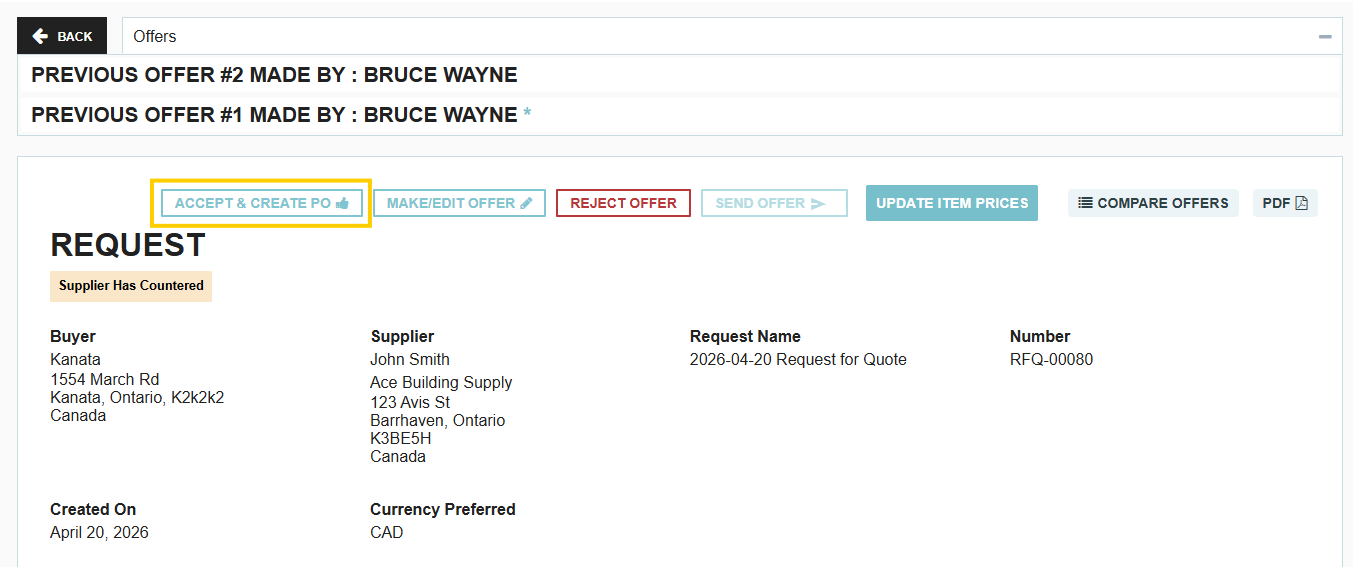
Check out our guided tutorial on Managing Supplier Negotiations for more details!
Advanced Communication Tools
Tradogram provides two distinct ways to communicate during negotiations:
- Discussion Room: A forum-style hub used to discuss general updates or clarifications with all invited suppliers at once while maintaining individual supplier anonymity.
- External Messaging Panel: A direct, private channel to communicate with an individual supplier. These messages are located on the right-hand side of the specific supplier's offer page.
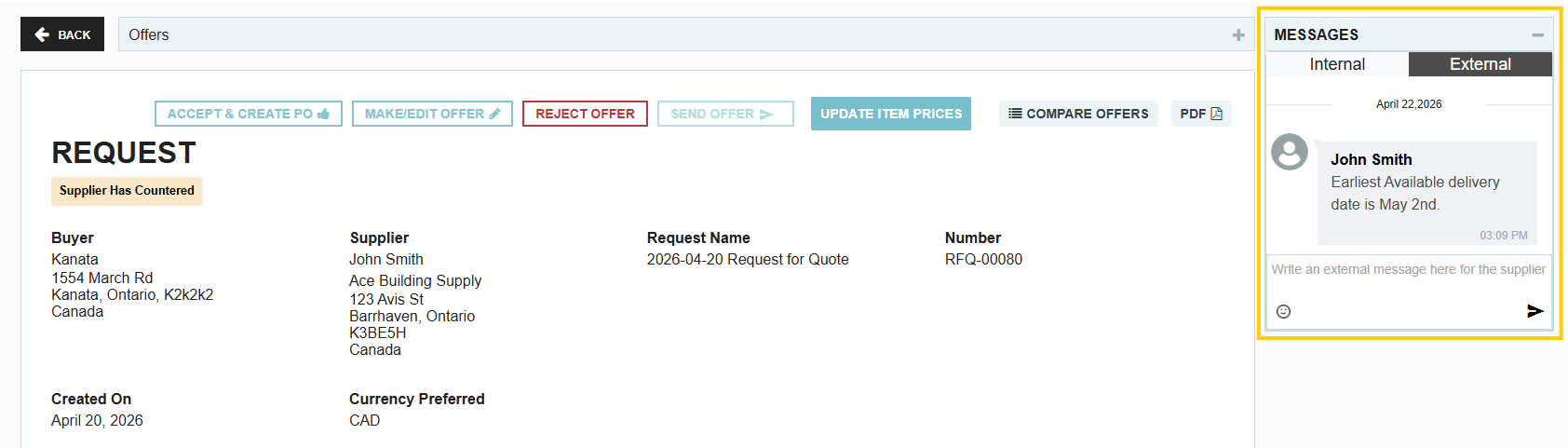
.webp)
.png)


