
Procurement Reporting Software
One clear source for procurement reporting and analysis
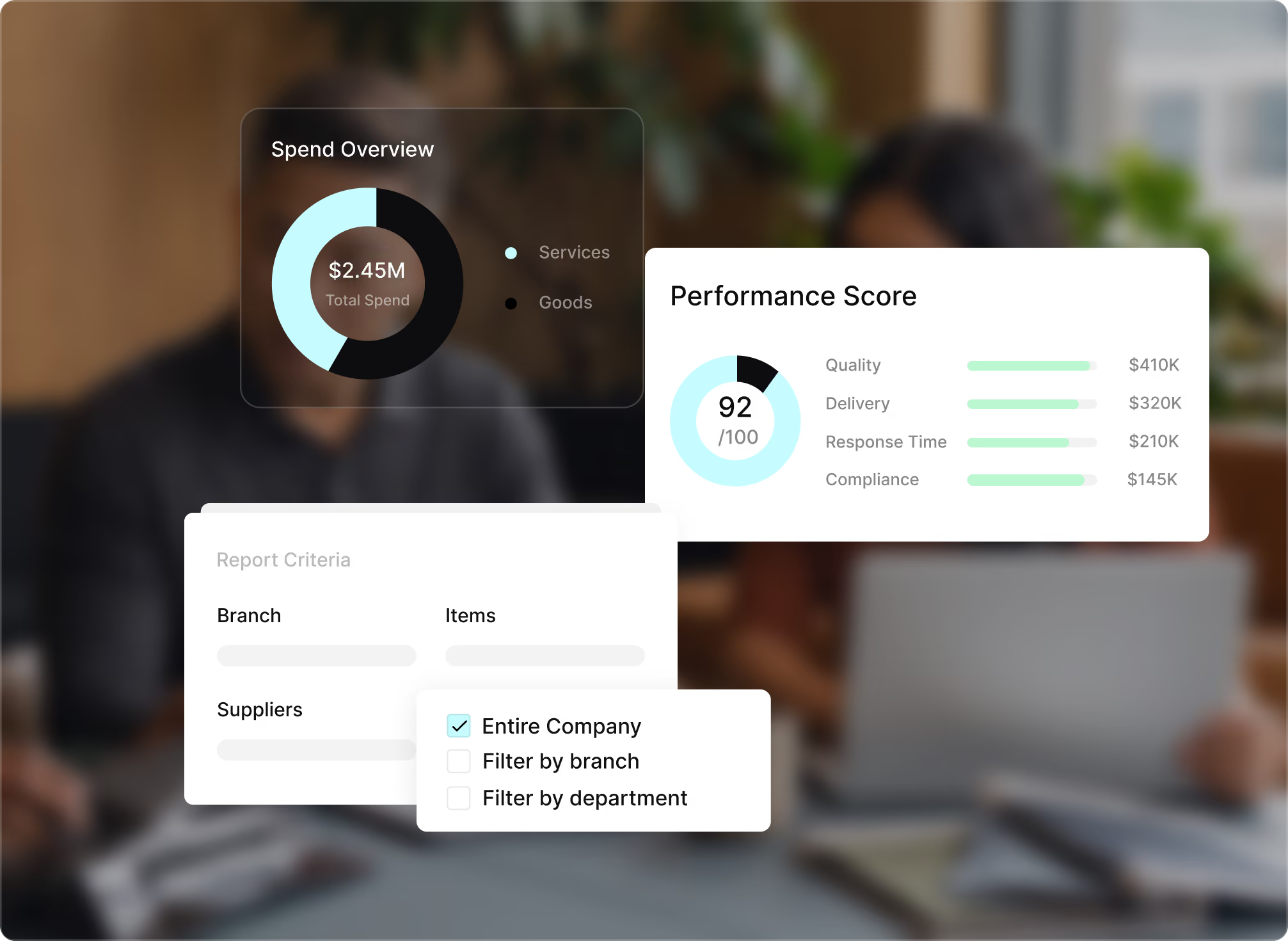
Turn connected procurement data into custom reports, dashboards, and actionable insights. Give procurement and finance teams a clearer view of spend, supplier performance, budgets, approvals, purchase orders, and procurement performance.










Procurement data that lives
in too many places
When procurement activity is spread across departments and multiple systems, reporting means pulling data, reconciling records, and checking accuracy before analysis can even begin. Tradogram brings procurement data together so teams can spend less time preparing reports and more time using them.

See procurement activity in one place
Bring purchasing, budgets, suppliers, spend, approvals, and order activity together for a clearer view of procurement operations.

Reports built your way
Build key reports around the metrics, suppliers, categories, departments, and time periods your team needs to analyze.

Keep procurement records audit-ready
Keep transactions, approvals, purchase orders, spend analysis, and supporting records organized and exportable for audits and reporting requirements.
Reports that answer
the questions that matter
Build procurement reporting around the questions your team actually asks. Use custom reports, dashboards, and procurement analytics to monitor key metrics, identify trends, and support informed decisions.
Custom report builder
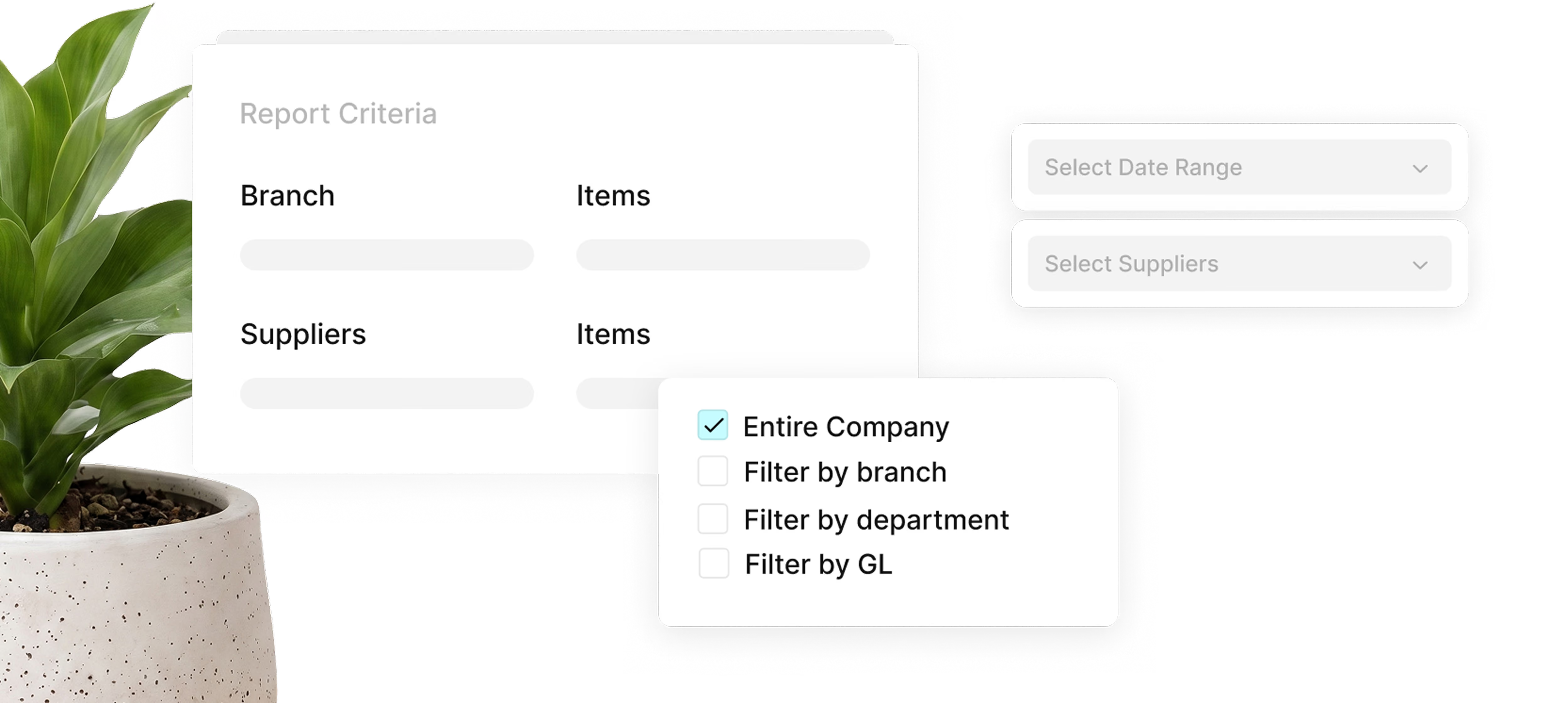
Build reports across suppliers, departments, categories, GL codes, and time periods to analyze the procurement activities that matter most.
Real-time procurement dashboards
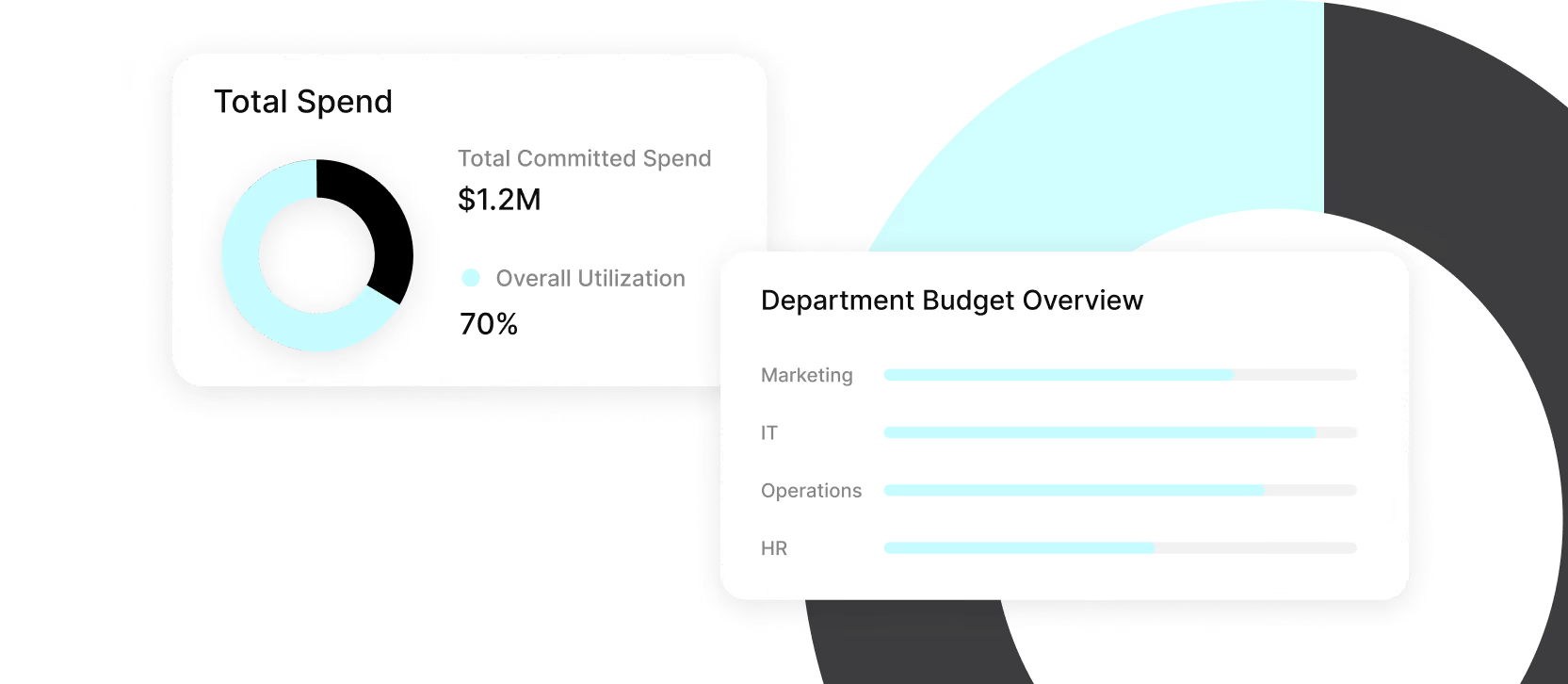
Monitor spend, budgets, approvals, purchase orders, and other key metrics in one view without relying on static reports.
Supplier performance reports
Compare supplier performance across delivery, pricing, and purchasing activity to identify trends and support better sourcing decisions.

Budget variance tracking
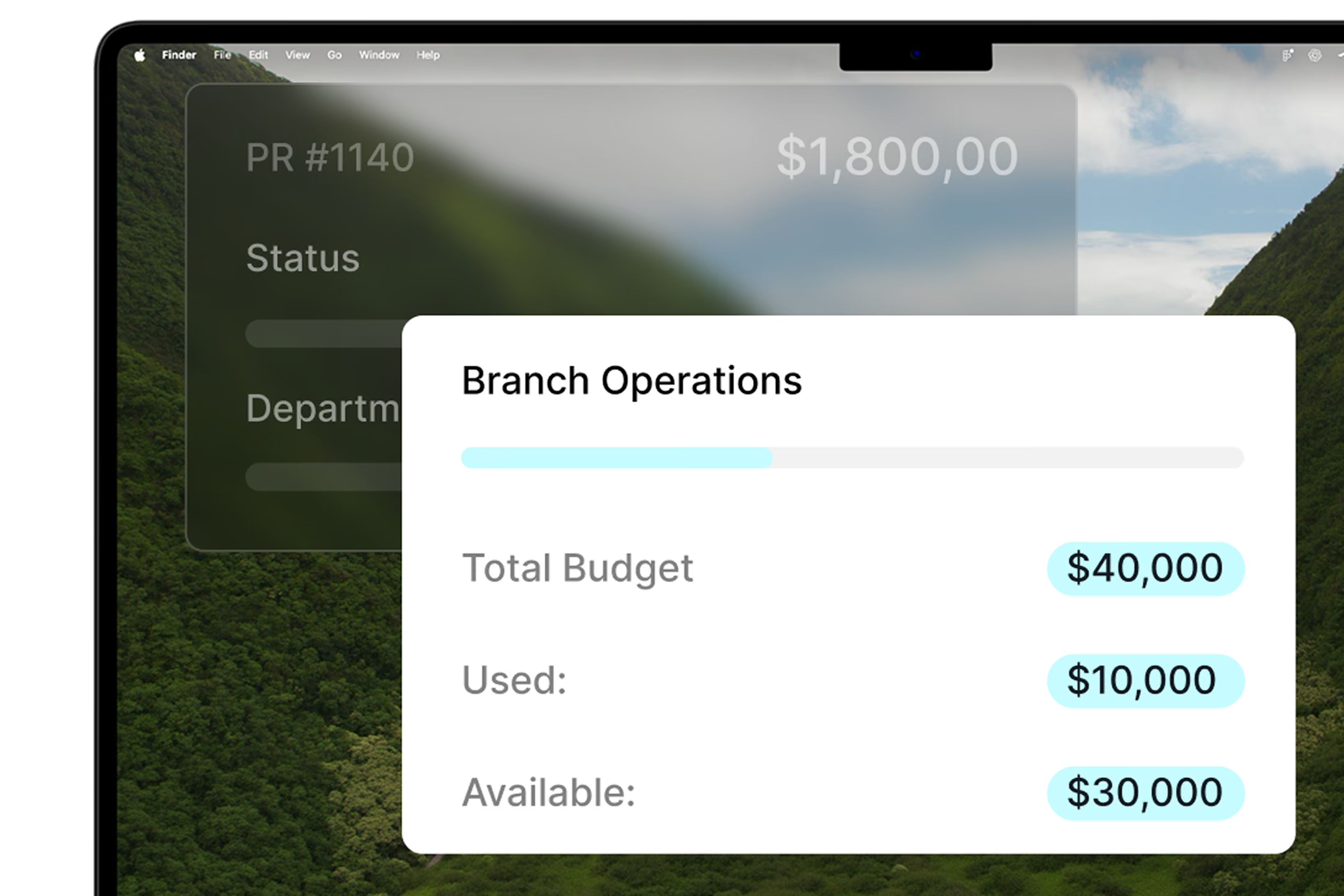
Compare actual and committed spend against approved budgets to strengthen budget tracking, cost management, and financial analysis.
Export-ready data
Export procurement records for audits, board reporting, further analysis, or reporting requirements without rebuilding the data manually.

From procurement activity to
clear decisions

Connected Data
Capture activity across the procurement process
Purchase requests, approvals, purchase orders, invoices, and payments create connected records as work moves through Tradogram, giving procurement teams a clearer foundation for reporting.
Report building
Build the reporting view you need
Choose dimensions, filters, and date ranges to build recurring reports or answer ad hoc questions. Use real-time reporting to monitor the metrics that matter as procurement activity changes.
Insight and action
Share, export or act
Share dashboards, export reports for audits or board reviews, and use spend analysis to support supplier negotiations, budget decisions, and data-driven decision making.
Less time pulling data. More time using it
Saved report views, dashboard templates, and scheduled exports reduce repetitive report preparation, giving procurement managers more time to analyze results and improve operational efficiency.
Keep reporting tied to current purchasing, budget, supplier, and approval activity so finance teams work from consistent information with stronger data accuracy.
Use reporting to identify spending patterns, supplier trends, budget pressure, and cost-saving opportunities before they become harder to address.

The numbers behind
better procurement decisions


Connect Tradogram with the tools your team already relies on





Frequently
Asked Questions

Procurement reporting software brings purchasing data into reports and dashboards so teams can monitor spend, suppliers, budgets, approvals, purchase orders, and procurement performance.
Analyzing data with Tradogram helps procurement teams spot issues, compare results, and make more informed decisions across the procurement process without manual data entry.
Procurement teams can easily build accurate procurement reporting around spend, supplier contracts, budgets, purchase requests, approvals, purchase order status, invoices, and other purchasing activity.
Reports can be filtered by supplier, category, department, GL code, date range, or other available fields.
Effective procurement reporting organizes key data into reports and dashboards so teams can monitor what is happening with just a few clicks.
Procurement analytics helps teams compare results, identify trends, understand spending patterns, improve efficiency, ensure compliance with internal policies, and uncover cost-saving opportunities that support better data-driven decisions.
Yes. Tradogram lets users configure procurement dashboards and custom reports using the dimensions, filters, and date ranges they need.
Reports can be saved for recurring use and exported for audits, board reporting, financial analysis, or other reporting requirements.
See your procurement data turned into decisions
Tell us what your team needs to report on
